Office Ergonomics Essentials for Safer, More Comfortable Work
Office Ergonomics Essentials for Safer, More Comfortable Work
Course Description
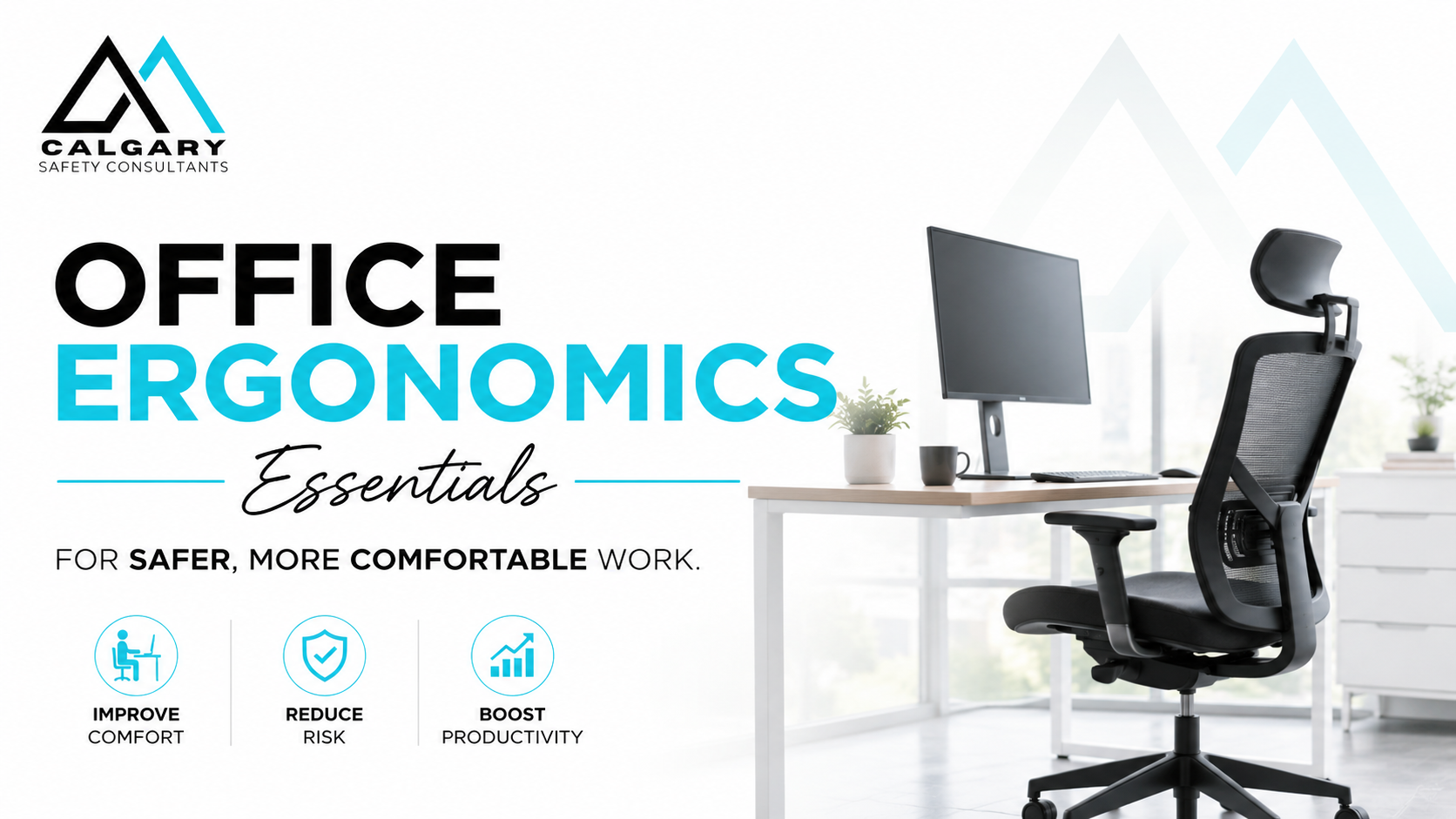
Office Ergonomics Essentials for Safer, More Comfortable Work is an online office ergonomics training course that helps workers set up safer, more comfortable workstations and reduce common office-related strain. This practical course covers workstation setup, neutral posture, chair adjustment, monitor height, keyboard and mouse placement, laptop ergonomics, lighting, glare, noise, temperature, shared workspaces, micro-breaks, movement habits, and early discomfort reporting.
Designed for office workers, remote employees, hybrid teams, supervisors, and employers, this office ergonomics course teaches practical steps that can help reduce neck pain, shoulder strain, back discomfort, wrist fatigue, eye strain, and productivity issues caused by poor workstation setup or static work habits. Learners complete self-checks and reflection activities to apply ergonomic principles directly to their own office, home, or shared workspace.
This course is ideal for workplaces looking to improve employee comfort, support injury prevention, strengthen health and safety training, and promote safer computer work practices.
Benefits
Benefits of This Online Office Ergonomics Course
- Helps workers reduce neck, shoulder, back, wrist, and eye strain caused by poor workstation setup.
- Teaches practical office ergonomics principles that can be applied immediately in office, hybrid, remote, and home-based work environments.
- Improves workstation setup knowledge for chairs, monitors, keyboards, mice, laptops, lighting, and desk organization.
- Helps employees recognize early signs of discomfort before they develop into larger ergonomic or musculoskeletal problems.
- Supports safer computer work practices through better posture, movement habits, and workstation positioning.
- Provides practical strategies for reducing fatigue, static posture, awkward reaching, and repetitive strain during office work.
- Helps improve employee comfort, focus, concentration, and day-to-day productivity.
- Supports employers in promoting workplace health and safety awareness within office environments.
- Reinforces ergonomic best practices for hot-desking, shared workspaces, hybrid work, and remote work setups.
- Encourages workers to build healthier daily work habits through movement, micro-breaks, and workstation self-check routines.
- Helps organizations reduce ergonomic risk factors that may contribute to discomfort, absenteeism, reduced performance, and potential injury claims.
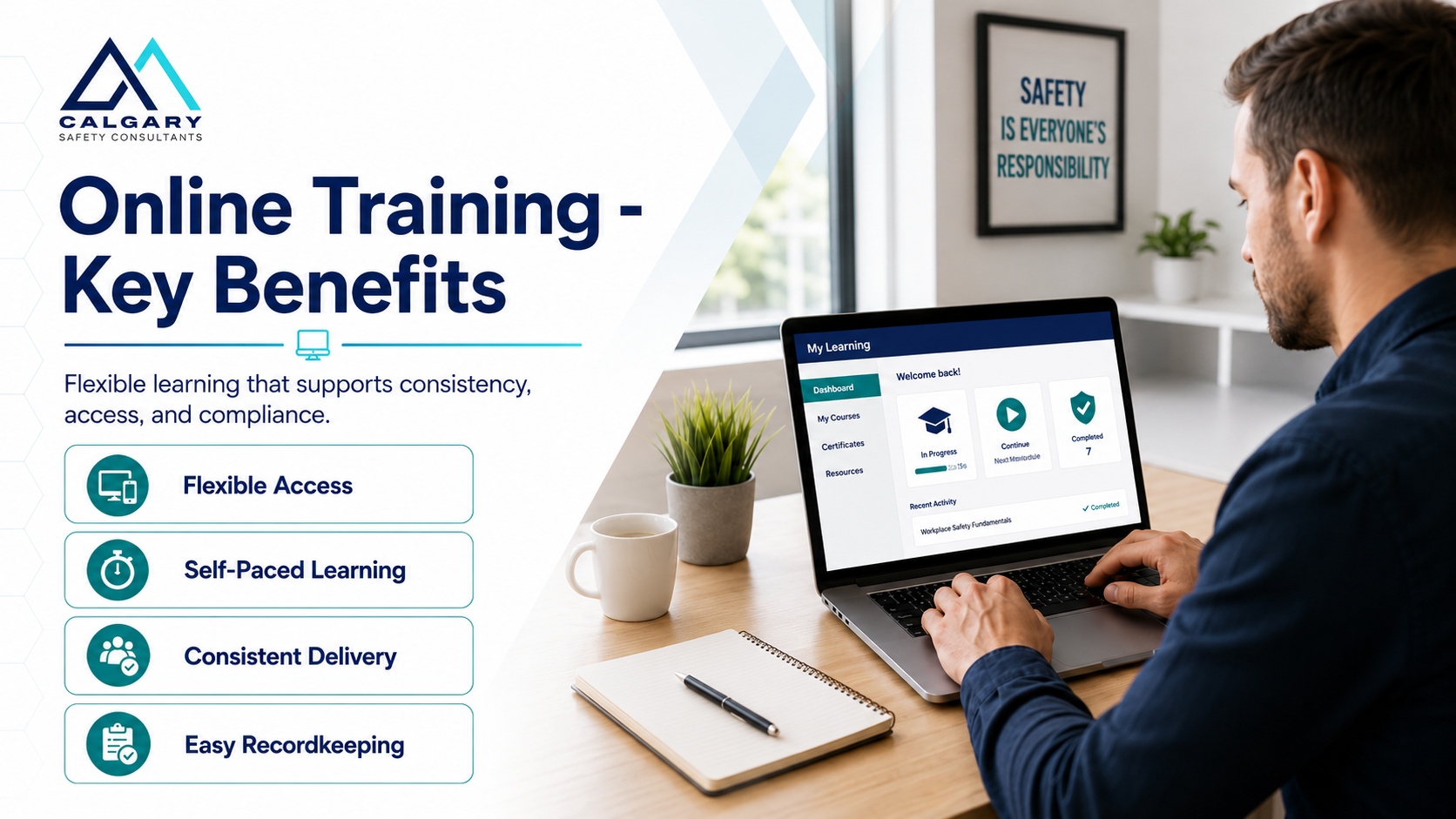
- Delivered online for flexible, self-paced learning that allows participants to complete training anytime and from virtually anywhere.
- Includes practical examples, self-assessments, and real-world office ergonomics applications to improve knowledge retention and workplace application.
- Helps strengthen overall workplace wellness initiatives by connecting ergonomics, comfort, safety, and performance.
Written by a Canadian OH&S Expert
COPYRIGHT
Calgary Safety Consultants claims full copyright for all materials in this course. It cannot be duplicated or used for other purposes without permission.